Certified Technicians Genuine Spare Parts Quick & Reliable Service Warranty on Repairs
Follow Us:
Full Network & Port Testing
Same-Day Diagnosis
90-Day Repair Warranty
Sharjah, Industrial Area 6
Connectivity Repair · Sharjah, UAE

Wi-Fi Dropping, No Signal or Won't Pair? Connectivity Faults Fixed Properly

TV losing Wi-Fi every few minutes, HDMI showing "No Signal", ARC not working with your soundbar, Bluetooth refusing to pair, or apps stuck on a network error? We test the port, the board and the network — not just the settings menu — across all 8 emirates.
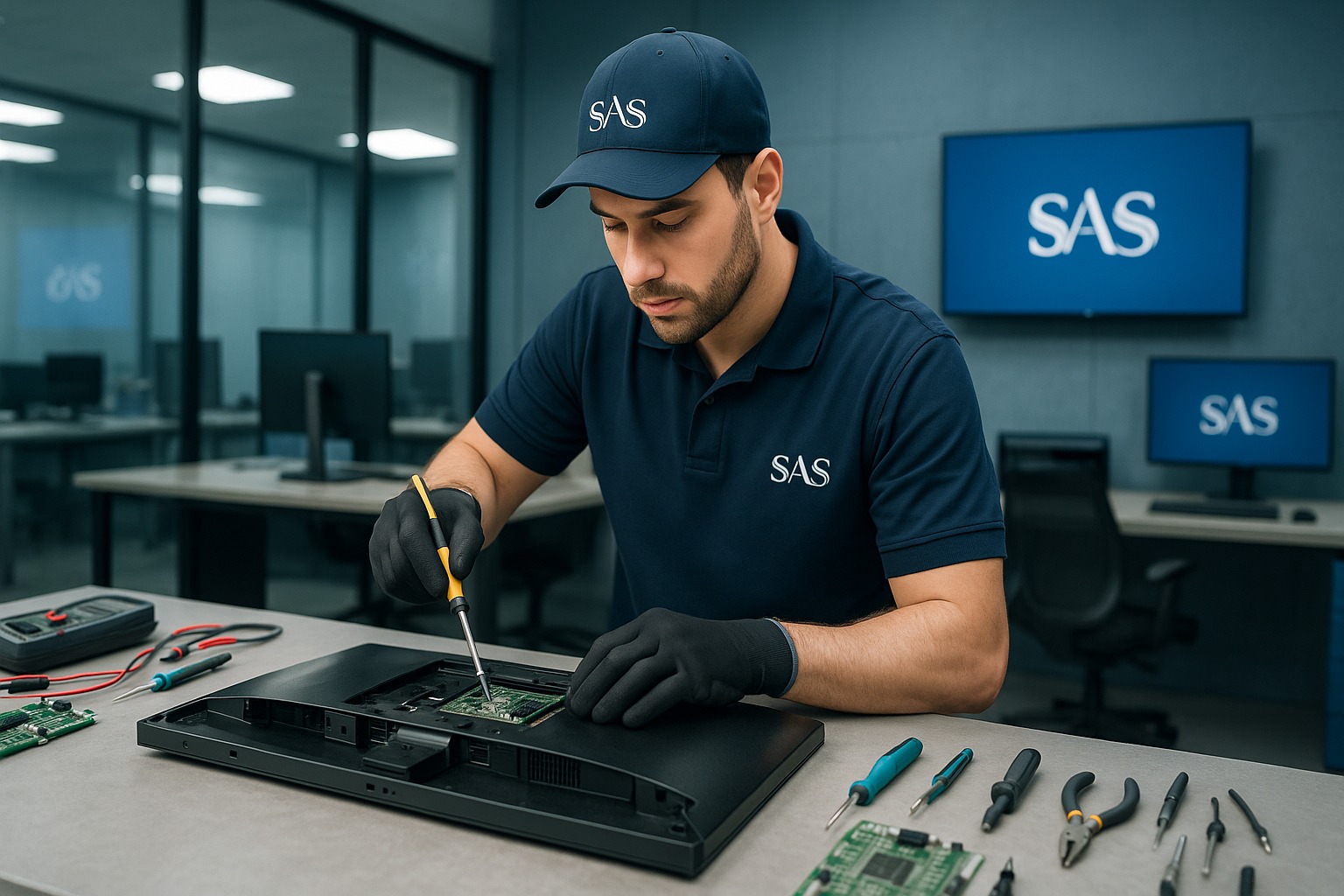
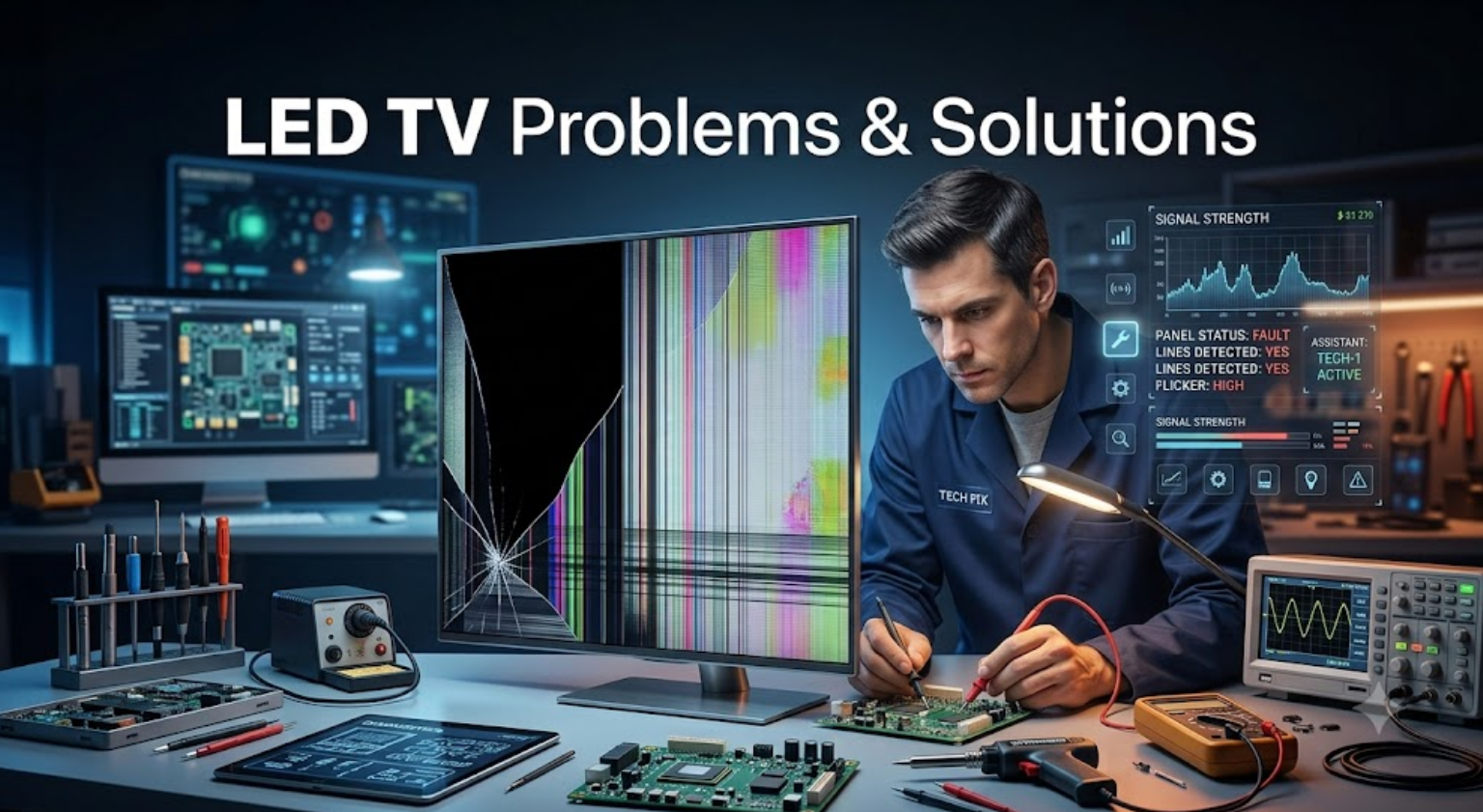
Technician testing Wi-Fi and HDMI connectivity on a Smart TV at Shams Al Sahil, Sharjah
15+Brands Covered
24hrDiagnosis
90-DayRepair Warranty
Technician diagnosing a network and HDMI connectivity fault at Shams Al Sahil
About This Service

Connectivity Problems, Diagnosed at the Source

A connectivity fault is rarely just one thing. The same symptom — "it won't connect" — can come from a failing Wi-Fi module, a damaged HDMI port, an outdated firmware build, a weak signal in the room, or a setting that changed after an update. Guessing wastes your time and money.

At Shams Al Sahil we test in order: signal, cable, port, board, firmware. That way you find out whether you need a five-minute fix or an actual repair — before anyone opens the unit.

  • 20+ years of professional repair experience
  • Wi-Fi, Bluetooth, HDMI, LAN and USB-C all tested
  • Board-level port and module replacement
  • Home service available across the UAE
What We Fix

Connectivity Repair Services

Five of the most common connection failures we diagnose and repair every week — on TVs, soundbars, laptops, monitors and displays.

Wi-Fi & Network

Won't find your network, connects then drops, or shows a weak signal — module, antenna and firmware checked.

HDMI & Input Faults

"No signal" from a console, box or laptop. We test each port, the input board and the cable path.

Bluetooth & Pairing

Remotes, headphones, speakers or subwoofers that won't pair, keep dropping, or play out of sync.

Casting & Mirroring

AirPlay, Chromecast and screen mirroring that fails to find the device or disconnects mid-stream.

App & Sign-in Errors

Netflix, YouTube or Prime showing network error codes, sign-in loops, or failing after a system update.

Why Choose Us

Most Connectivity Faults Don't Need a New Device

People replace a working TV or soundbar because it stopped connecting. In most cases it's one port, one module, or one firmware build — and that is a repair, not a replacement.

20+Years Experience
90 DaysRepair Warranty
8Emirates Served
4.8★Google Rating
Brands We Work With
SamsungLGSonyPhilipsTCLHisensePanasonicToshibaJBLBoseDellHPLenovoSkyworthNikai SamsungLGSonyPhilipsTCLHisensePanasonicToshibaJBLBoseDellHPLenovoSkyworthNikai
Devices Covered

Where We Fix Connection Problems

Tap a category to see what we test. Don't see your device? Send the brand and model number — we can usually still check it.

Smart TVs+

Tizen, webOS, Google TV, Android TV and Fire TV built-in platforms.

  • Wi-Fi module & antenna
  • HDMI 1–4 port testing
  • ARC / eARC handshake
  • LAN / Ethernet port
  • Firmware & system updates
  • Smart remote pairing
Soundbars & Home Theatre+
  • HDMI ARC / eARC not detected
  • Optical input no audio
  • Wireless subwoofer lost pairing
  • Bluetooth drop-outs
  • Audio delay / lip-sync
  • Wi-Fi multiroom setup
Laptops & Desktops+
  • Wi-Fi card replacement
  • Bluetooth module faults
  • Ethernet port repair
  • Driver & adapter issues
  • USB-C / Thunderbolt ports
  • Docking station problems
Monitors & Displays+
  • HDMI no signal
  • DisplayPort not detected
  • USB-C video & power
  • Loose or damaged ports
  • Multi-monitor detection
Projectors & Commercial Screens+
  • Long-run HDMI signal loss
  • Wireless presentation faults
  • Network control not responding
  • Digital signage player links
  • Meeting-room casting setup

Also covered: streaming boxes, set-top boxes, gaming consoles, AV receivers and Wi-Fi extenders. Send us the brand and model and our team can confirm whether it's repairable.

Common Faults

Connection Problems We Diagnose & Repair

Wi-Fi Keeps Disconnecting

Connects, works for a few minutes, then drops — usually the internal Wi-Fi module, antenna cable or a bad firmware build.

Can't Find the Network

  • Your Wi-Fi name doesn't appear in the list
  • Only 2.4GHz shows, never 5GHz
  • Correct password rejected
  • Stuck on "obtaining IP address"

HDMI Shows "No Signal"

  • One port dead, others working
  • Console or receiver not detected
  • Picture cuts in and out
  • Loose or bent port housing

ARC / eARC Not Working

Soundbar connected but no audio from the TV, or the TV won't control soundbar volume — a handshake, port or setting fault.

Bluetooth Won't Pair

  • Device not visible when scanning
  • Pairs then immediately disconnects
  • Sound lags behind the picture
  • Wireless subwoofer lost its link

Casting & Mirroring Fails

  • Phone can't see the TV
  • AirPlay or Chromecast times out
  • Screen share freezes mid-stream

Apps Show Network Errors

  • Netflix / YouTube error codes
  • Sign-in loop that never completes
  • Apps stopped working after an update
  • Store won't load or install

LAN / Ethernet Not Detected

  • Cable plugged in, no link light
  • Port loose or damaged
  • Works on router, not on device
Home Service & Fast Diagnostics

Tested Where the Problem Actually Happens

Connectivity is one fault type that often can't be reproduced in a workshop — a TV that drops Wi-Fi in your living room may test perfectly on our bench. That's why we come to you, check the signal strength at the device, and rule out the room before we blame the hardware.

If the fault turns out to be a failed module or a damaged port, we bring it into our Sharjah center for board-level repair and return it tested and working.
  • Home service available across the UAE
  • Signal strength measured at the device
  • Board-level port and module repair in Sharjah
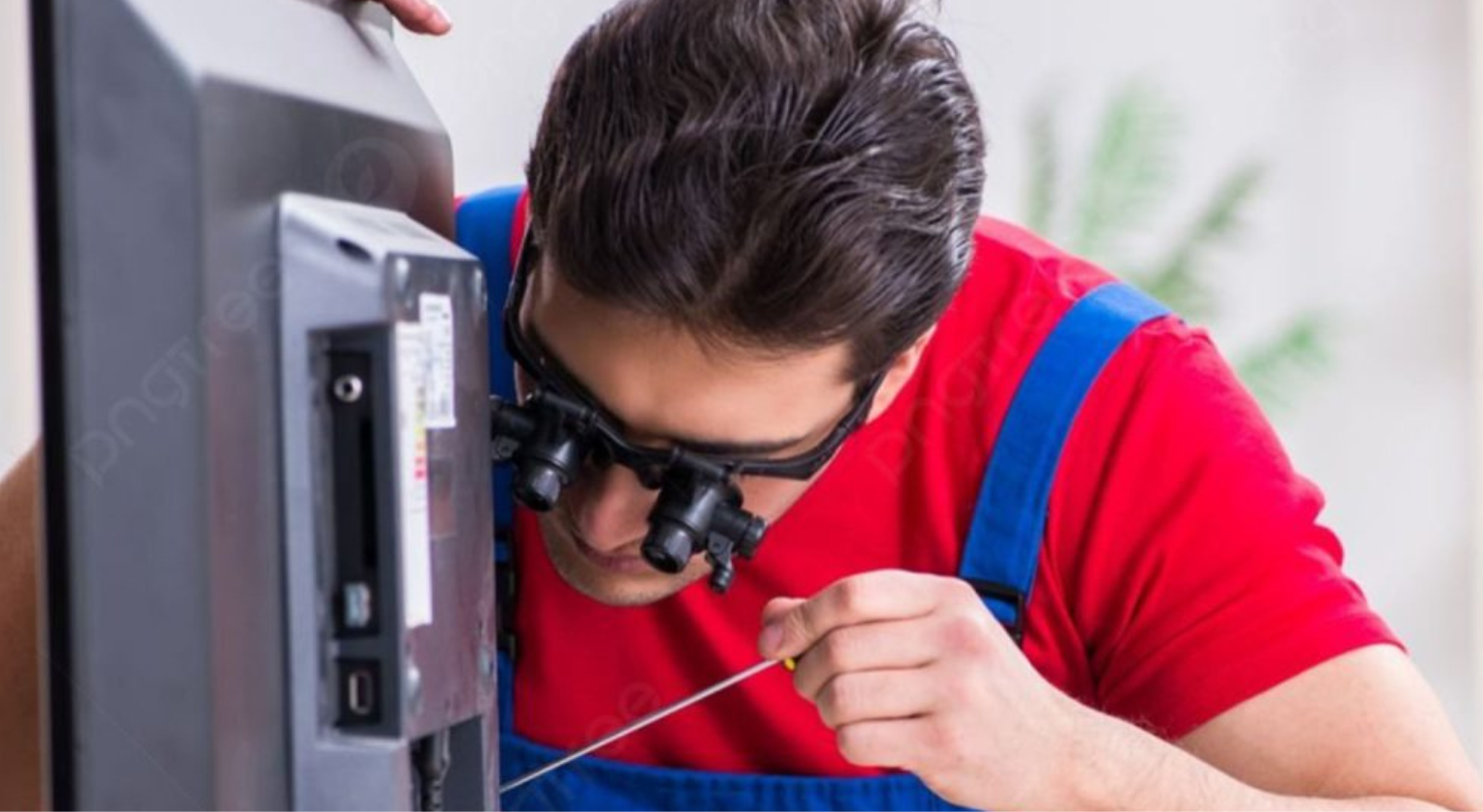
Technician performing on-site connectivity diagnostics at a customer's home
Why Shams Al Sahil

Why Bring a Connectivity Fault to Us?

Network and Hardware

Most repair shops check the hardware. We check the network too, so you don't pay for a part that was never the problem.

Every Port Tested

HDMI, ARC, optical, LAN, USB and USB-C are checked individually with known-good cables and sources.

Quick Turnaround

Same-day diagnosis on most models, and many connectivity faults are resolved on the first visit.

Clear Diagnosis

You get told what failed and what it costs before any work starts. If it's a setting, we'll tell you that too.

90-Day Repair Warranty

Eligible repairs are covered for 90 days, including replaced modules and ports.

Based in Sharjah

Industrial Area 6, Sharjah, with home service across all 8 emirates.

How It Works

Our Connectivity Repair Process

01

اتصل بنا

Send the brand, model number and exactly when the connection fails.

02

Isolate the Fault

We test signal, cable, port, module and firmware in that order.

03

Recommendation

You hear what failed and what the fix costs before we proceed.

04

Repair

Module replacement, port rework or firmware recovery, done properly.

05

Reconnect & Test

We reconnect it to your network and confirm it holds before we leave.

Customer Reviews

What Our Customers Say

Get Started

Tell Us When It Loses Connection

The more specific you are, the faster we can narrow it down. Brand, model number, and what you were doing when it failed.

ExampleSamsung QLED 55" — Wi-Fi drops every 10 minutes, works fine on Ethernet
ExampleLG soundbar — TV doesn't detect it on HDMI ARC since the last update
FAQs

الأسئلة الشائعة

My TV keeps losing Wi-Fi. Is that repairable?+
Usually, yes. Repeated drop-outs normally trace back to the internal Wi-Fi module, a loose antenna cable, or a firmware build that needs recovering. We confirm which one before quoting a repair.
How do I know if it's my router or my TV?+
If other devices in the same room hold a stable connection, the fault is usually in the TV. We measure signal strength at the device to confirm it either way, so you're not replacing hardware unnecessarily.
Can a dead HDMI port be fixed?+
In most cases yes. A single failed port can often be reworked or replaced at board level, which is far cheaper than replacing the panel or the whole unit.
My soundbar stopped working over HDMI ARC. What causes that?+
Usually a failed handshake between the TV and soundbar after a firmware update, a CEC setting that was reset, or a damaged ARC port. All three are diagnosable in one visit.
Do you fix Wi-Fi and Bluetooth on laptops too?+
Yes. We replace Wi-Fi cards and Bluetooth modules, repair Ethernet and USB-C ports, and resolve driver-level problems on HP, Dell, Lenovo, Asus, Acer and MacBook.
Apps stopped working after a system update. Can you recover it?+
Often yes. A failed or partial update can leave the network stack broken. We can usually reflash or roll back the firmware and restore normal app and streaming behaviour.
Do you come to my home?+
Yes. We provide home service across the UAE, which matters for connectivity faults specifically — they often only appear in your actual environment.
Is the repair covered by a warranty?+
Yes. Eligible repairs, including replaced Wi-Fi modules and HDMI ports, are covered by our 90-day repair warranty.
Ready When You Are

Get Your Device Back Online

Whether it's a Smart TV that won't hold Wi-Fi, a soundbar that dropped off ARC, or a laptop with a dead network port, send us the details and we'll tell you what's wrong.

Wi-Fi Repair · HDMI & No Signal Repair · ARC & eARC Faults · Bluetooth Pairing · Screen Mirroring · LAN & Ethernet Ports · Home Service — Sharjah & across the UAE.

    JPG, PNG or WebP. Maximum file size: 5MB.
    Powered by Joinchat